Bedroom makeover ideas
What could your bedroom become?
Upload a photo, choose a style, and explore an AI redesign. Start with a free redesign; optional Pro subscriptions unlock more styles and redesigns.
iPhone · iOS 17 or later · In-app purchases
One bedroom. Two directions.
Actual app output using a sample room photo.
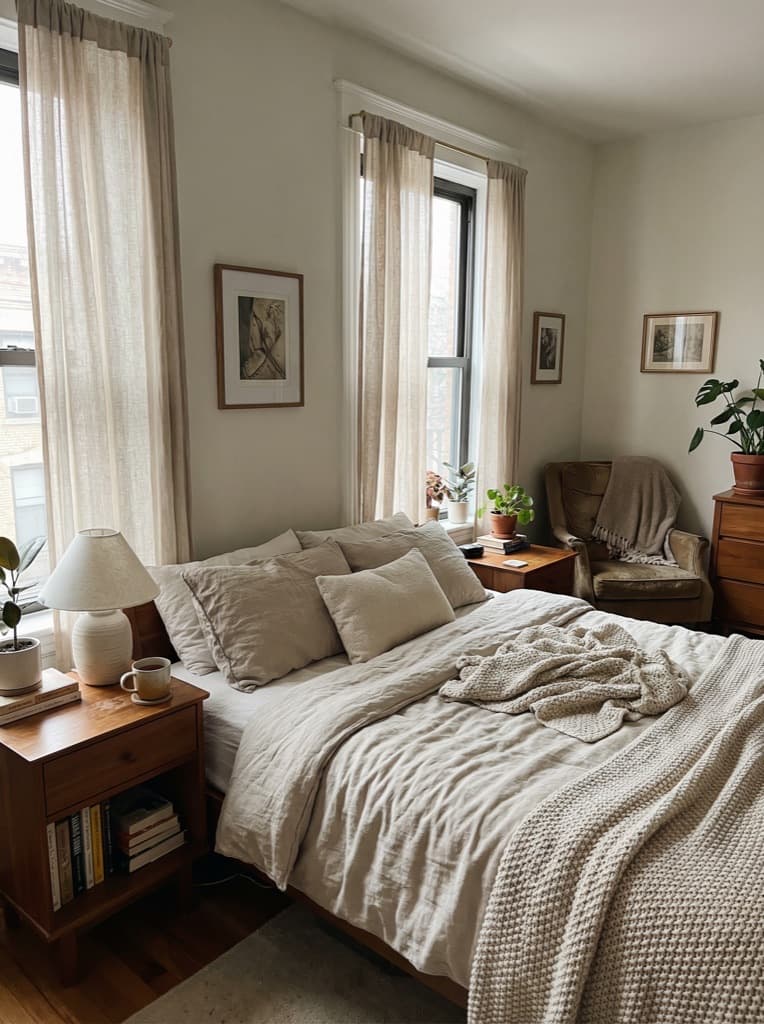
Original photo
The sample bedroom we uploaded.
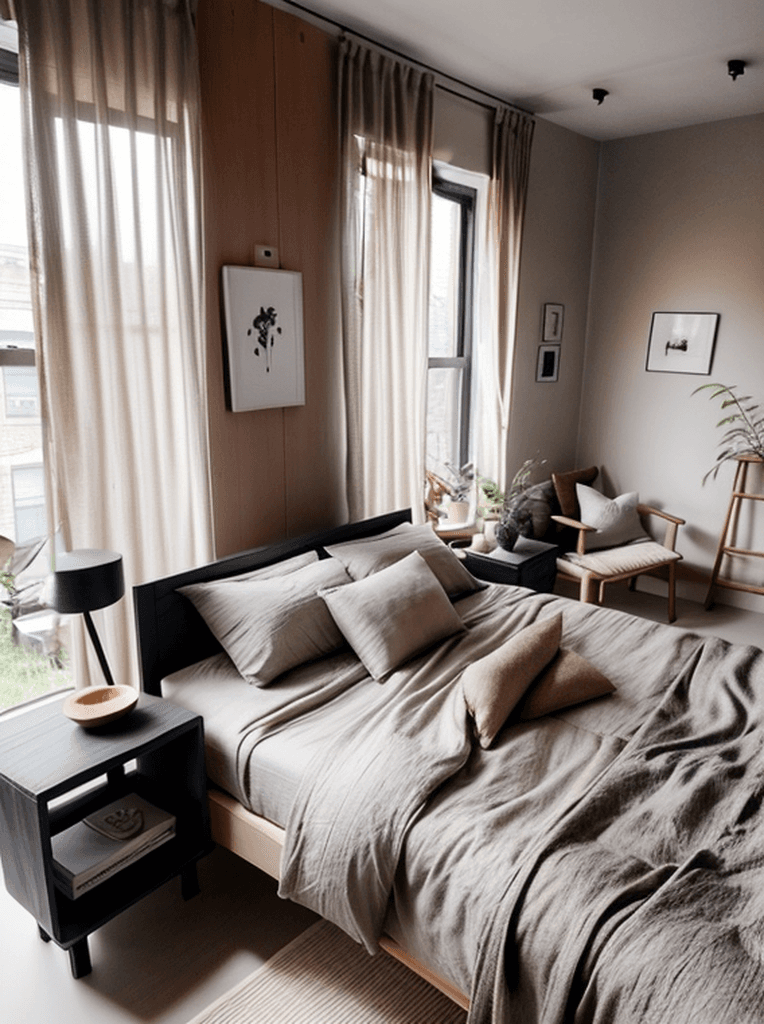
Japandi
A quieter palette and natural textures.
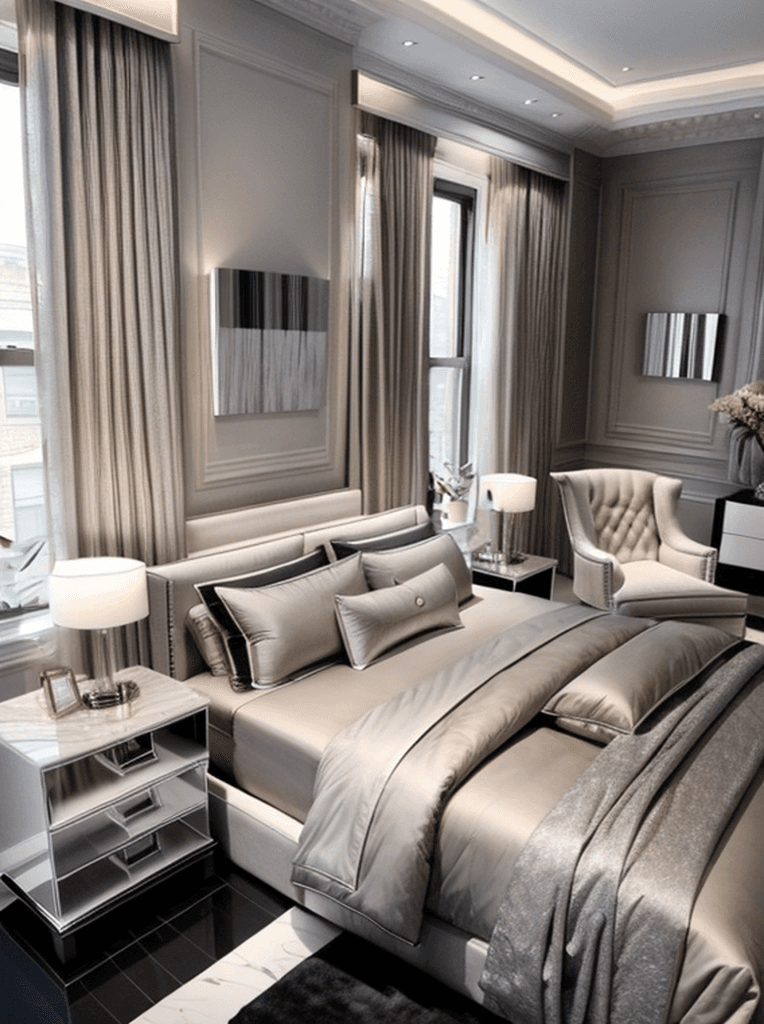
Modern Luxury
A more polished take on the same room.
AI-generated concepts are for inspiration. Results vary and may change room details. Check dimensions, materials, and feasibility before making purchases or renovating.
1. Photograph your room
Choose a clear, well-lit photo that shows the space you want to redesign.
2. Choose a direction
Try Japandi, Modern Luxury, or another available style. Free and Pro options are shown in the app.
3. Compare your ideas
Explore the before-and-after comparison, save favorites, and share your designs.
Before you start
Can I try it for free?
Yes. The app includes a limited daily free allowance. Pro subscriptions are optional; the current price and renewal terms appear before purchase. Free redesigns are separate from any subscription trial.
Does it work with other rooms?
You can choose bedrooms, living rooms, kitchens, bathrooms, home offices, and dining rooms.
Will the image match my room exactly?
The app uses your photo as a starting point. AI may change furniture, proportions, and architectural details. It does not produce measured plans or a shopping list.
Can I explore more styles?
Browse the style collection or take the design personality quiz in the app, then save the results you want to revisit.